
Medical school and faculty resources
The resources below will provide the information you need to efficiently and effectively implement Elsevier’s education solutions at your institution.
Explore our Knowledgebase and FAQs for quick answers, step-by-step guides, troubleshooting tips, tutorials and training to help you navigate our innovative tools.
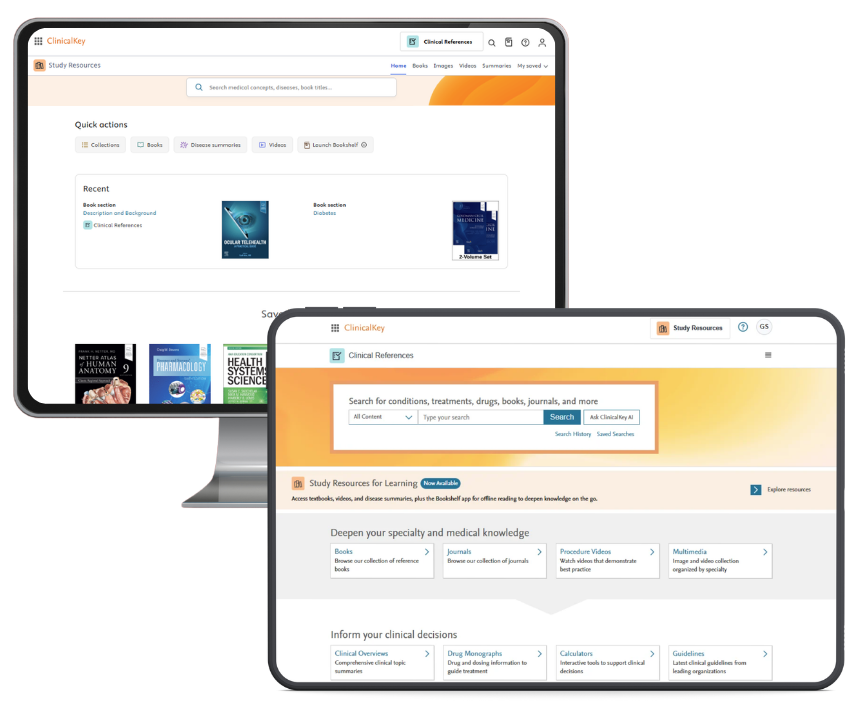
ClinicalKey for medical schools
Transform how teaching and learning are experienced.
- Medical School Resources – get additional instruction from our guides
- How to use the Bookshelf app – download books and explore its features
- Setting up ClinkicalKey Bookshelf Mobile – download PDF
- Latest Master Content Lists – find a full list of our content collections
- Helpful videos to set up your faculty account:
- Faculty and Student Learning Resources – explore ‘How-to’ guides and videos
- ClinicalKey Support Center – search FAQs for quick answers, tips and more
- Open Product Training for ClinicalKey (North America ONLY)

Clinical Cases
Enhance learning with short, interactive virtual cases that simulate authentic patient scenarios.
- Faculty Access Instructions
- Registration ID and PW Quick Sheet
- Federated Access Quick Sheet
- Getting Started with Clinical Cases Guide
- Completing A Clinical Case Guide
- Frequently Asked Questions Guide
- Helpful videos to set up your faculty account:
- Editorial Information – meet our contributors
- Clinical Cases Support Center – search FAQs for quick answers, tips and more
- Open Product Training for Clinical Cases (North America ONLY)
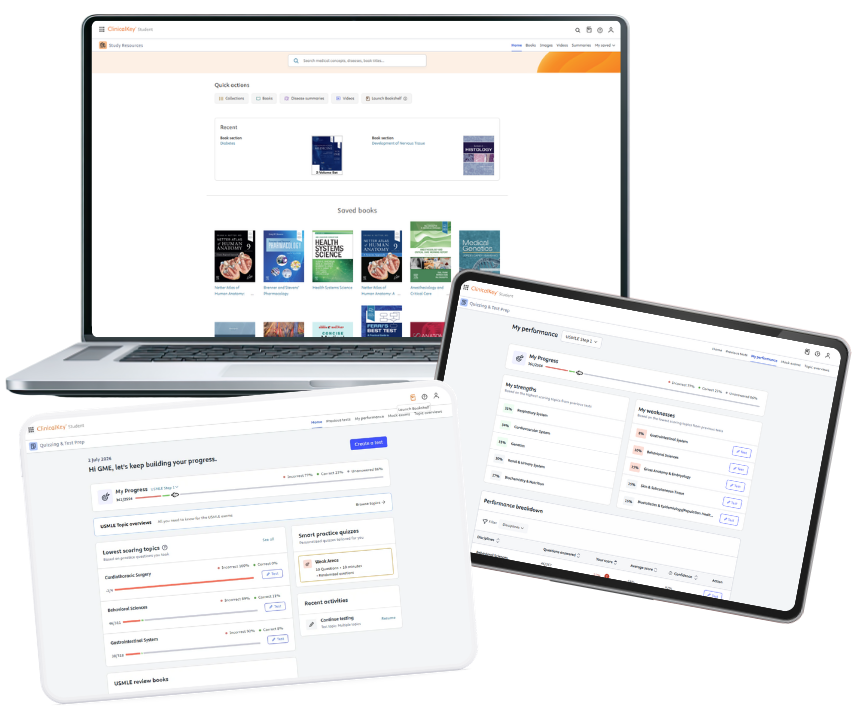
ClinicalKey Student
Make education more engaging and efficient for every learner.
- Medical School Resources – get additional instruction from our guides
- How to use the Bookshelf app – download books and explore its features
- Setting up ClinkicalKey Bookshelf Mobile – download PDF
- Latest Master Content Lists – find a full list of our content collections
- Faculty and Student Learning Resources – explore ‘LMS Access’ guides, other ‘how-to’ guides and videos, and more to help improve your user experience
- ClinicalKey Student – How-to Access with LMS
- ClinicalKet Student Access Methods
- Helpful videos to set up your faculty account:
- ClinicalKey Student Support Center – search FAQs for quick answers, tips and more
- Open Product Training for ClinicalKey Student (North America ONLY)
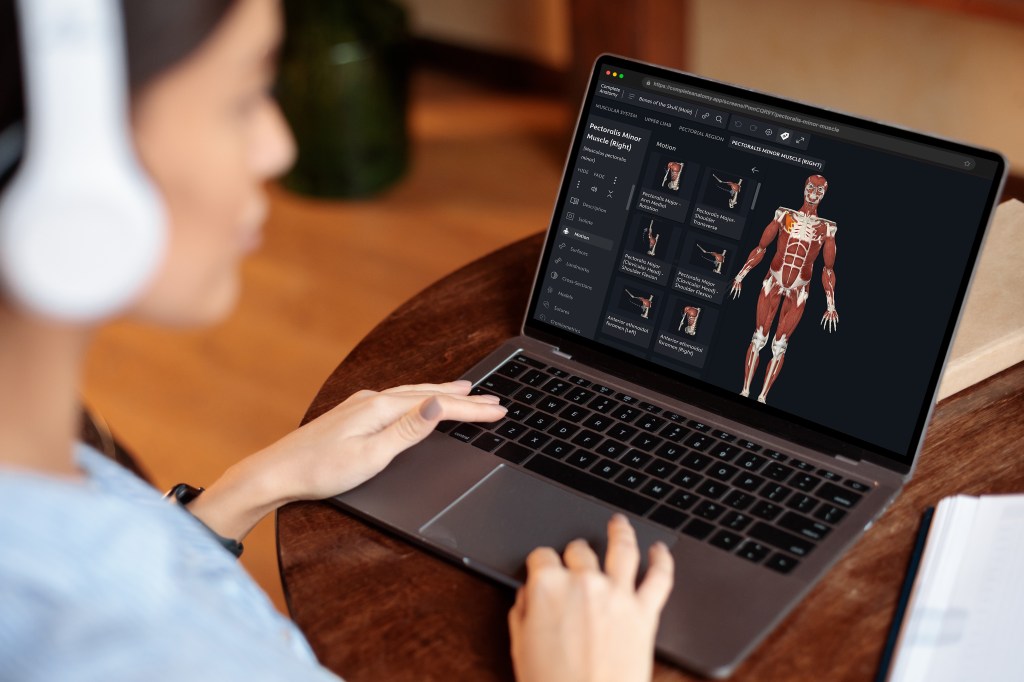
Complete Anatomy
Bring anatomy to life with award-winning, advanced 3D tools that simplify complex concepts and build essential anatomy knowledge to support your curriculum.
- Transform teaching with Complete Anatomy
- Access 3D content anywhere with Complete Anatomy for Web
- Teach radiology with anatomical clarity with Complete Anatomy
- Helpful videos to navigate your faculty account:
- Complete Anatomy Support Center – search FAQs for quick answers, tips and more
- Open Product Training for Complete Anatomy (North America ONLY)
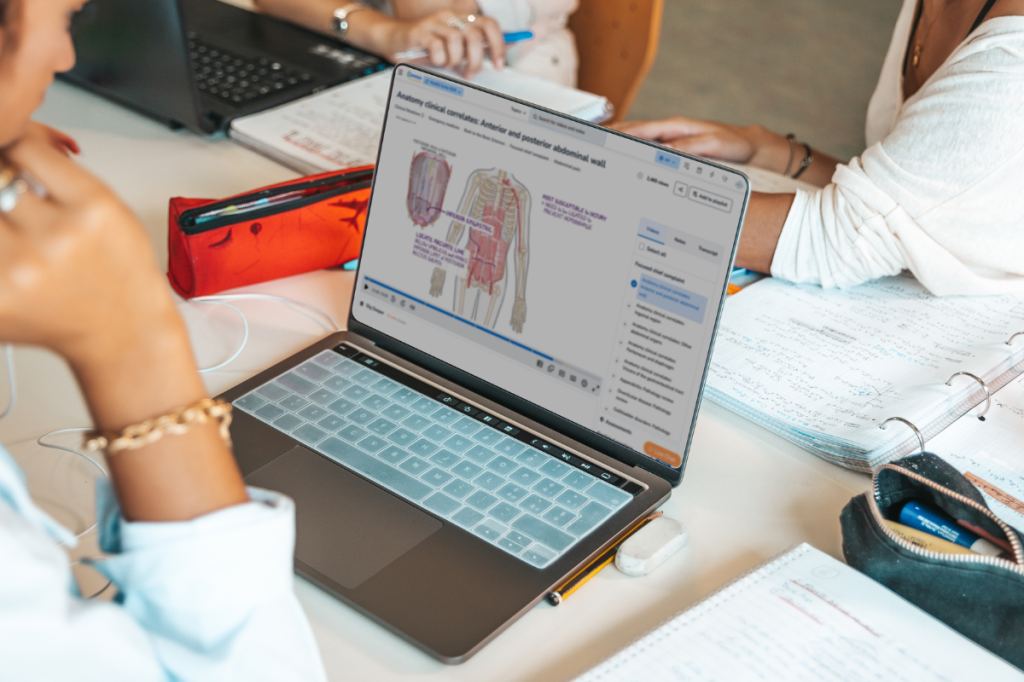
Osmosis
Enhance comprehension and simplify complex concepts with engaging videos that seamlessly integrate learning and self-assessment.
- Make teaching and learning more effective and efficient with Osmosis
- Amplify teaching and learning with Osmosis AI
- Supporting Evidence-Based Learning with Osmosis AI
- Boost self-directed learning with the Osmosis Study Schedule
- How to integrate Osmosis into your curriculum
- Helpful videos to navigate your faculty account:
- Osmosis Support Center – search FAQs for quick answers, tips and more
- Open Product Training for Osmosis (North America ONLY)

Monthly Training Topics
Join us for revolving topics for faculty
that are top of mind each month